![911C logo 2-4.png]](https://knowledge.911cellular.com/hs-fs/hubfs/911C%20logo%202-4.png?height=20&name=911C%20logo%202-4.png)
1. Go to https://portal.publicsafetycloud.net/manage-settings/mass-notification-settings
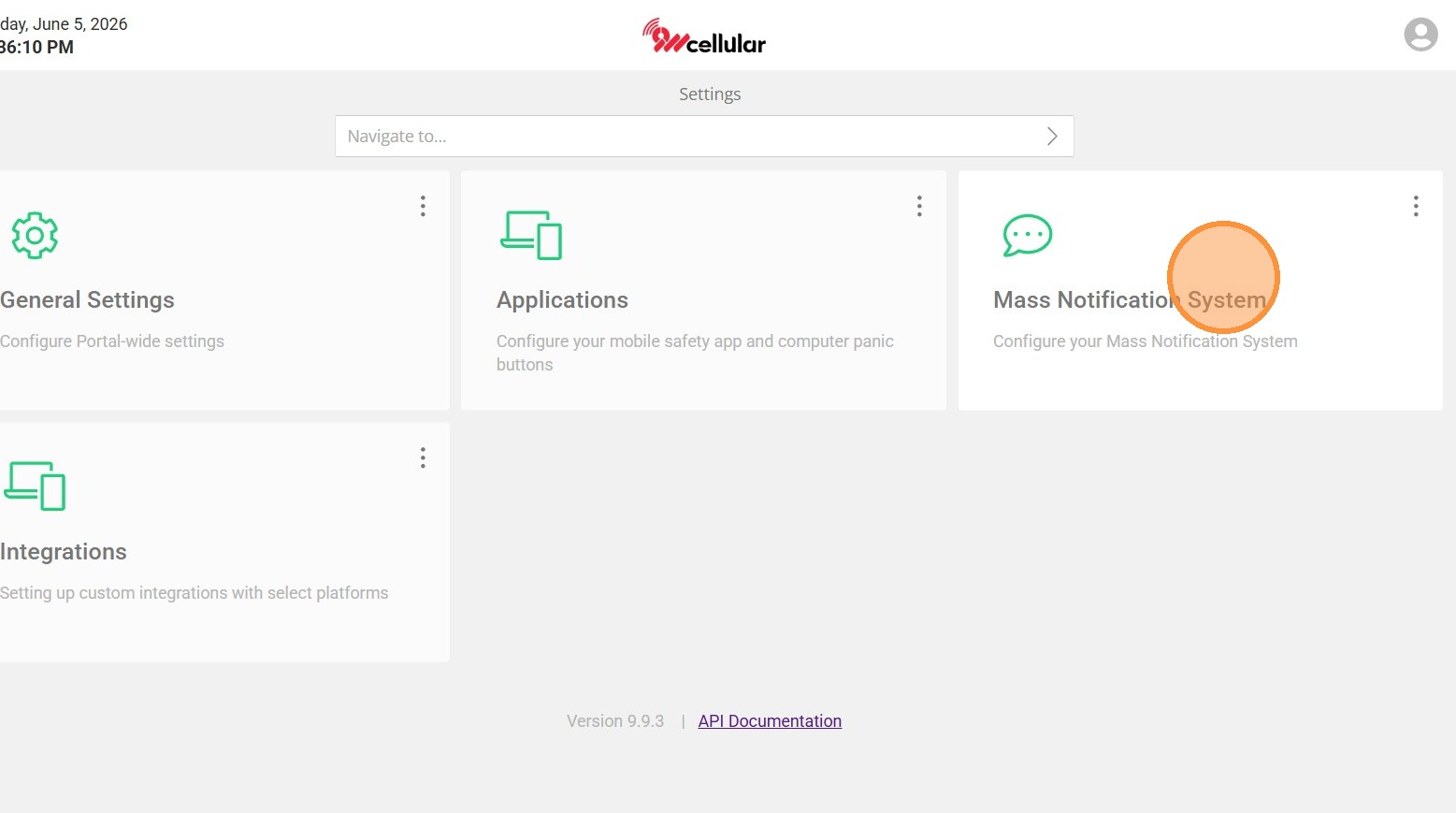
2. Select Mass Notification System
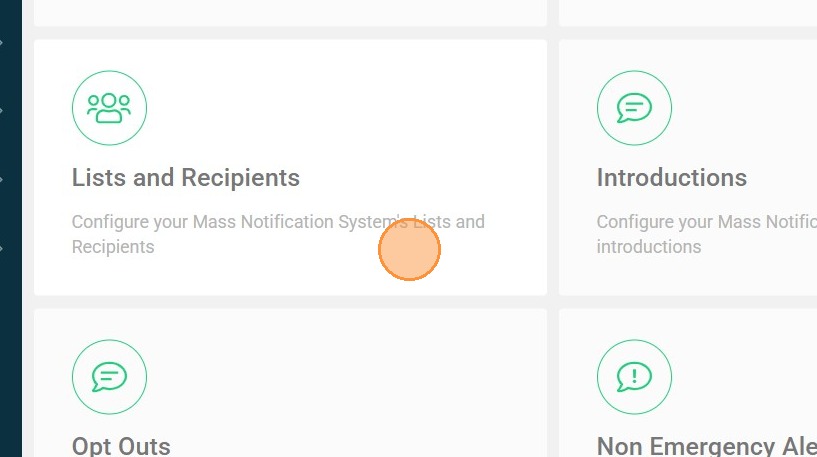
3. Select Lists and Recipients
Recipient Management
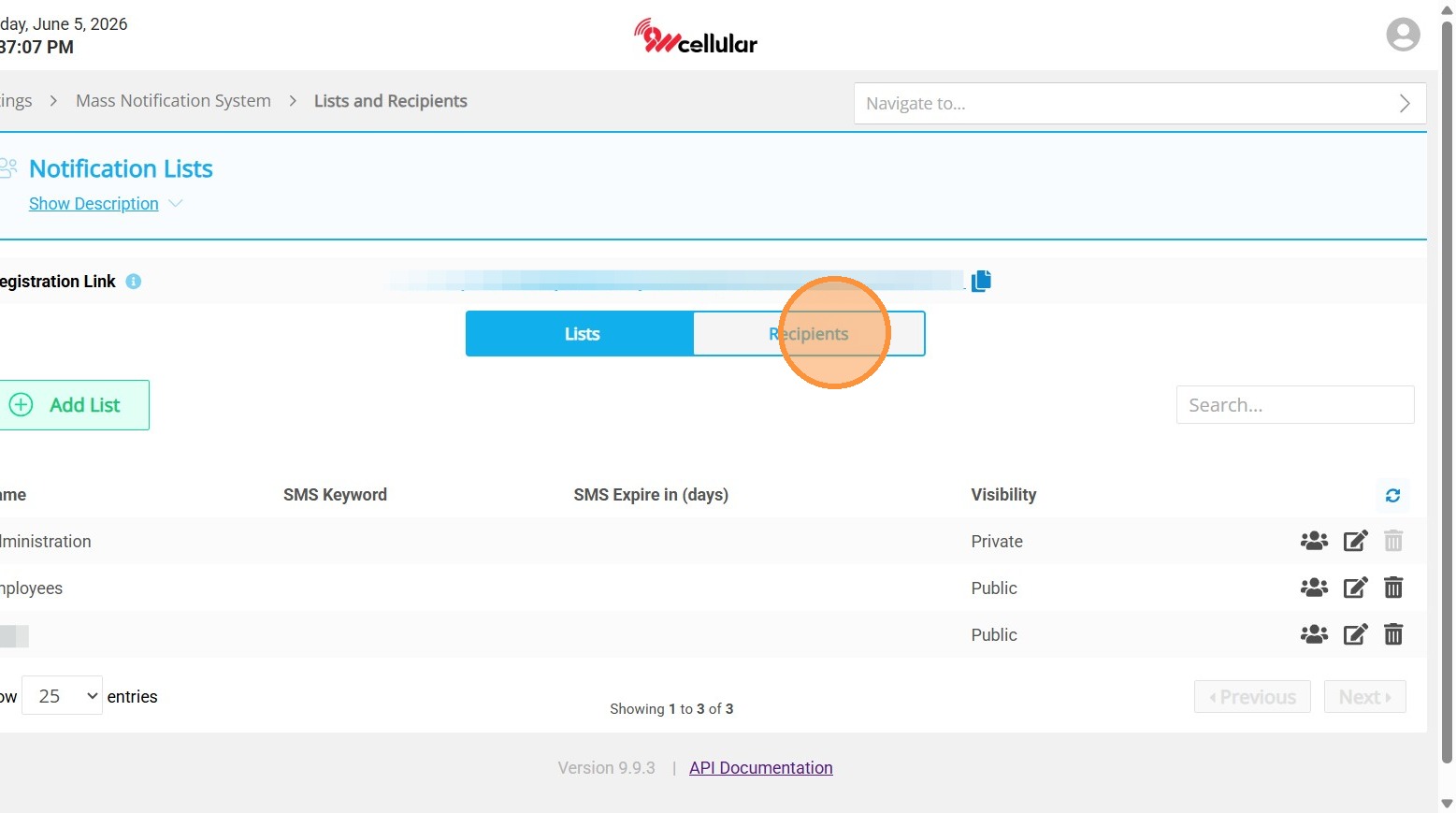
4. Switch to Recipients tab
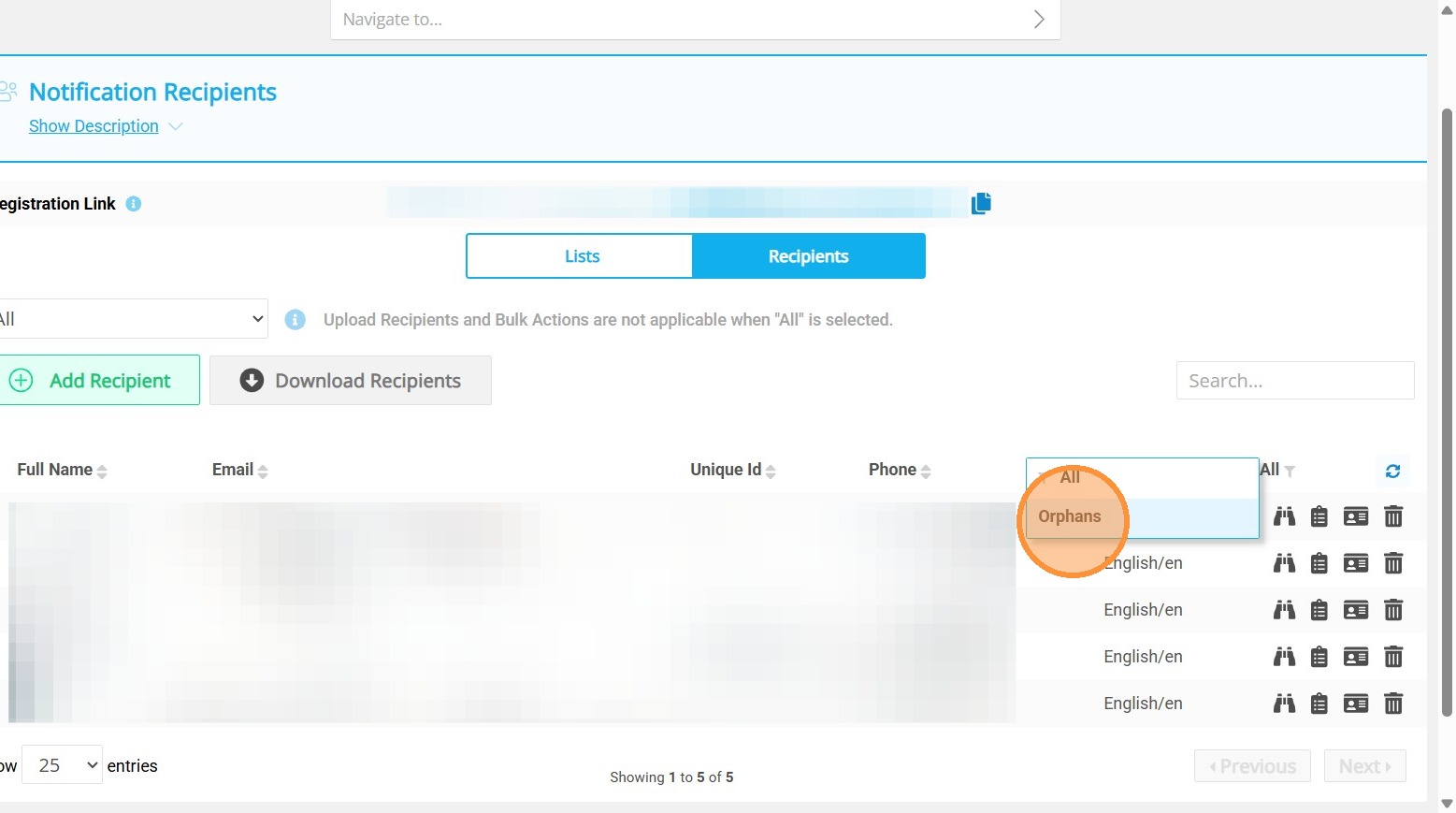
5. Click "All"
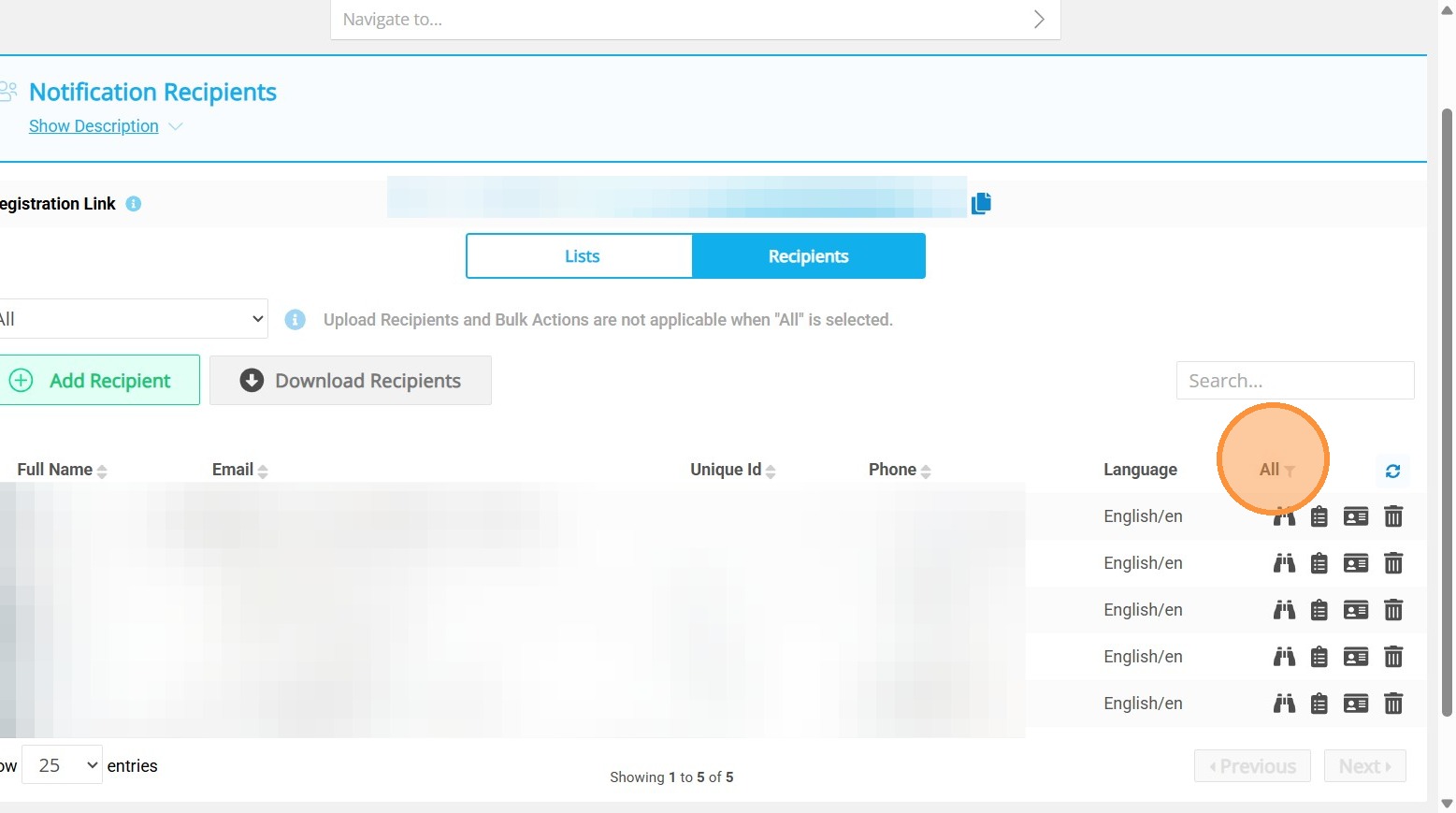
6. Click "Orphans" to see the list of orphaned recipients
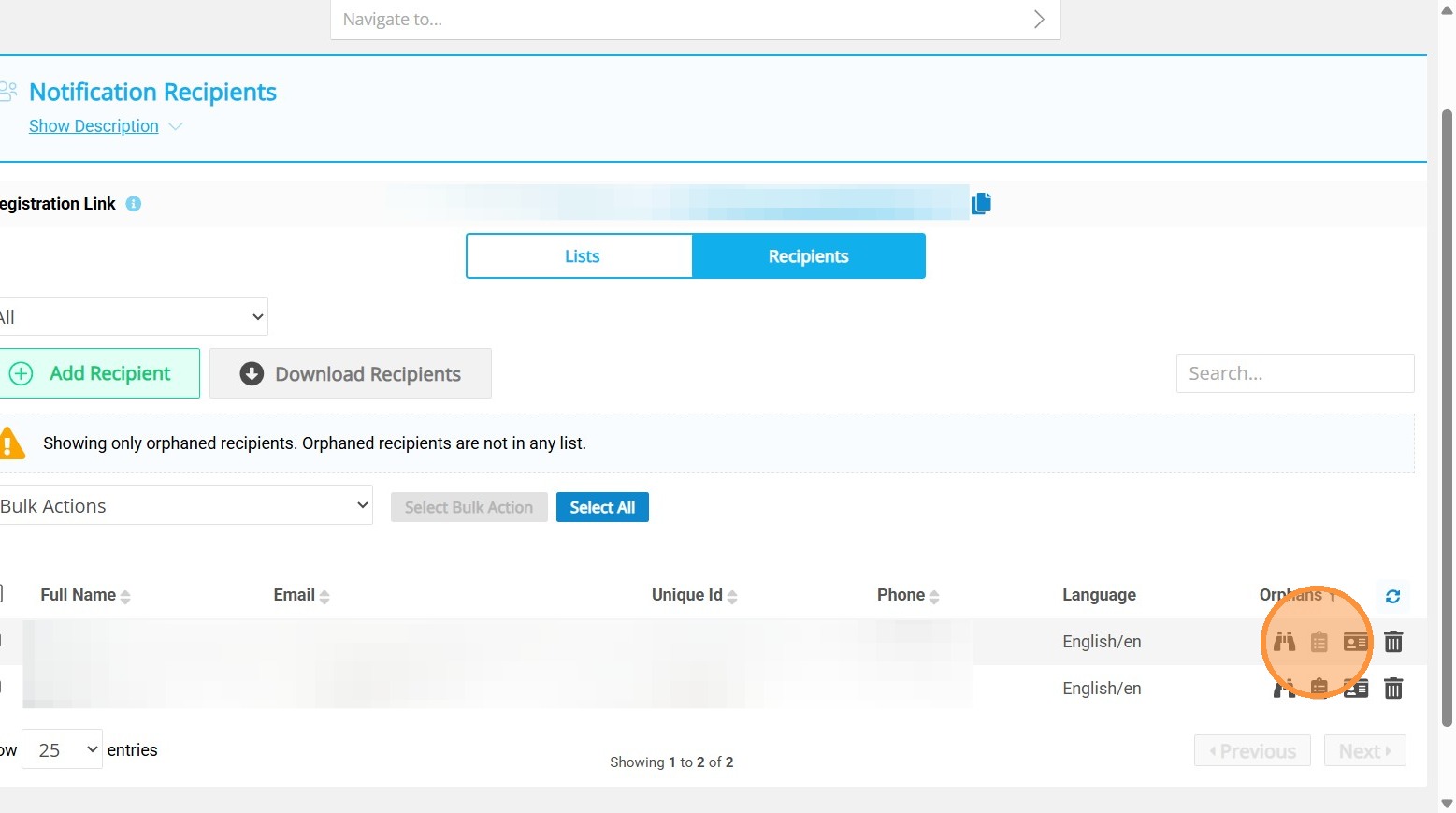
7. Click on the binoculars icon to view recipient details, list icon to update the lists, and profile icon to edit recipient details.
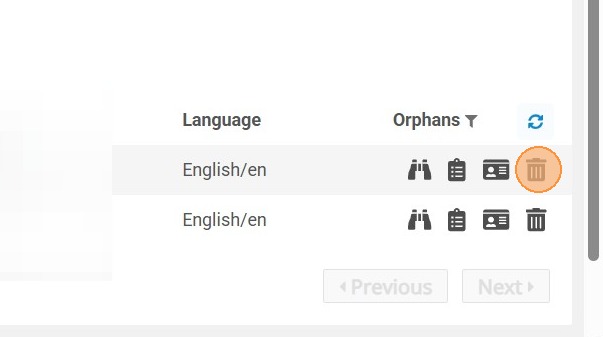
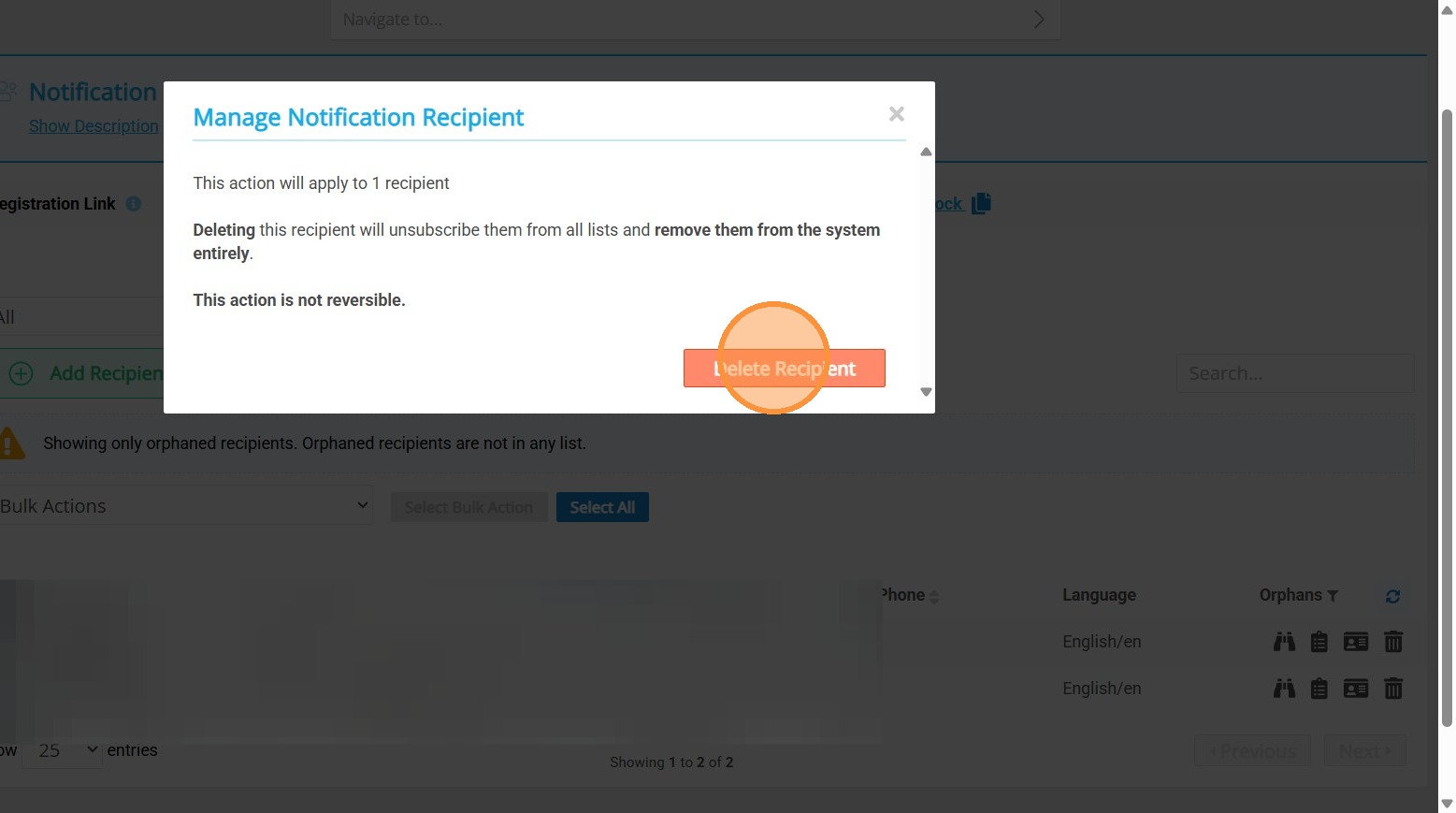
8. To delete individual recipient, click on the delete icon and confirm.
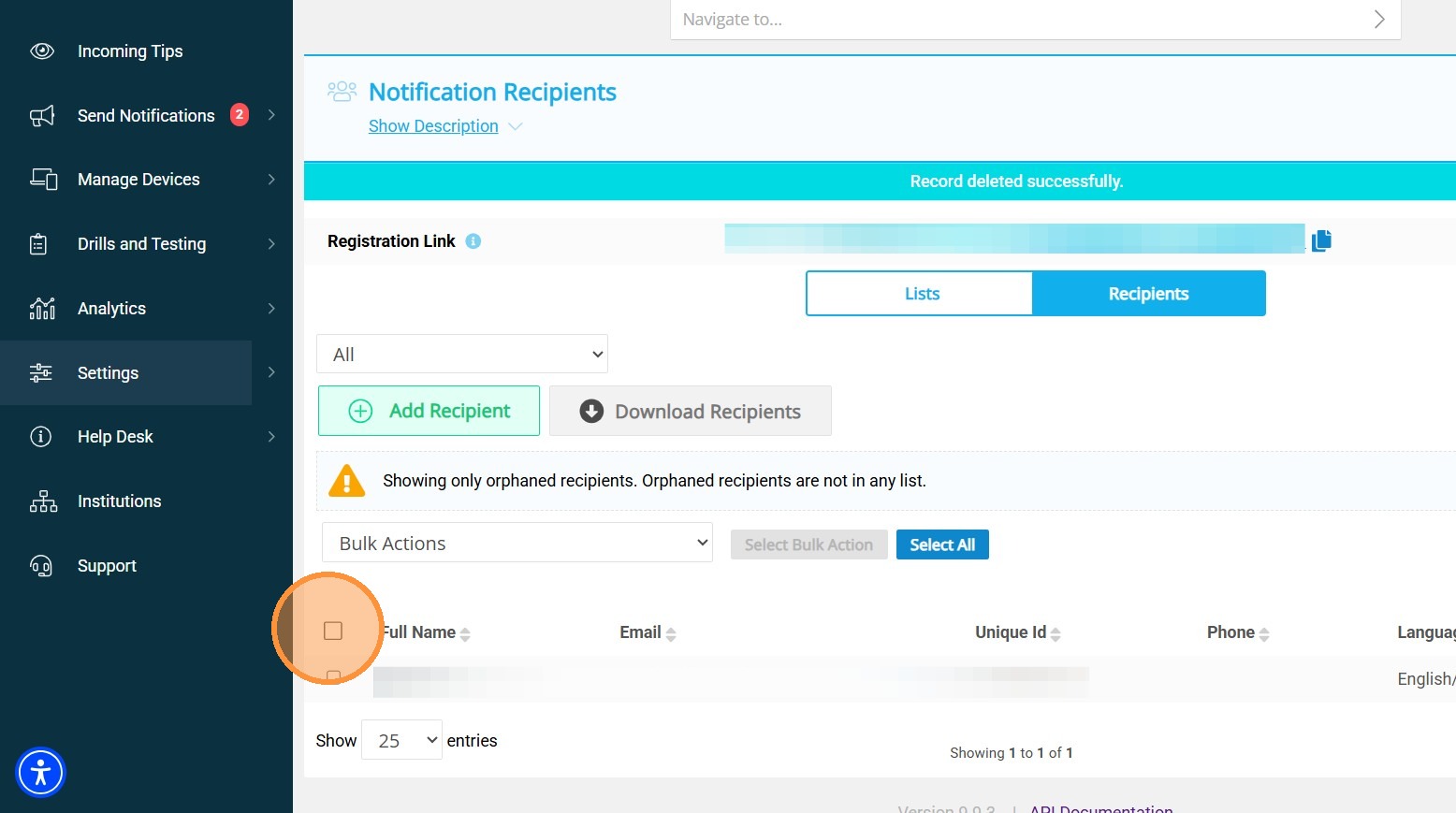
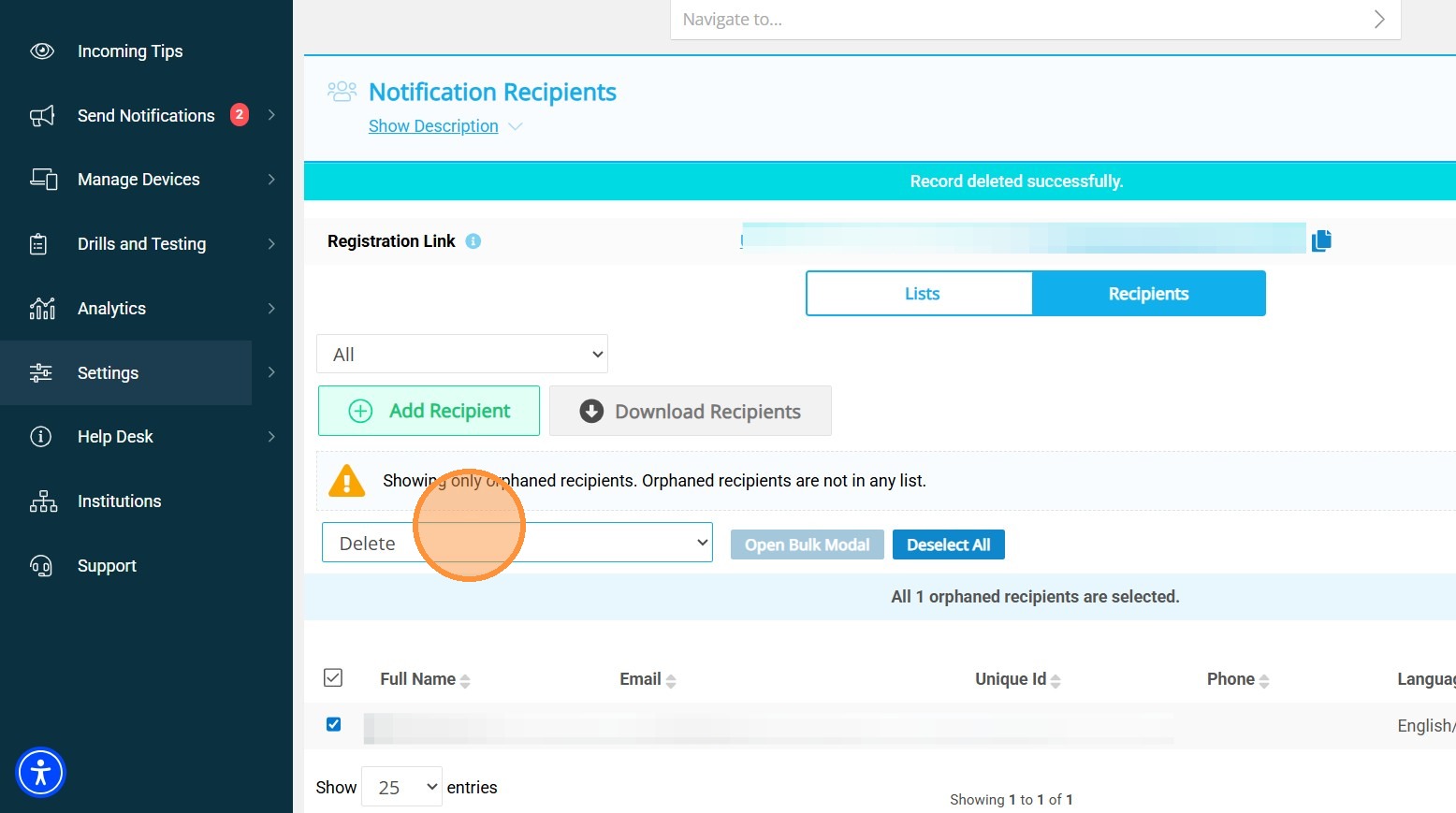
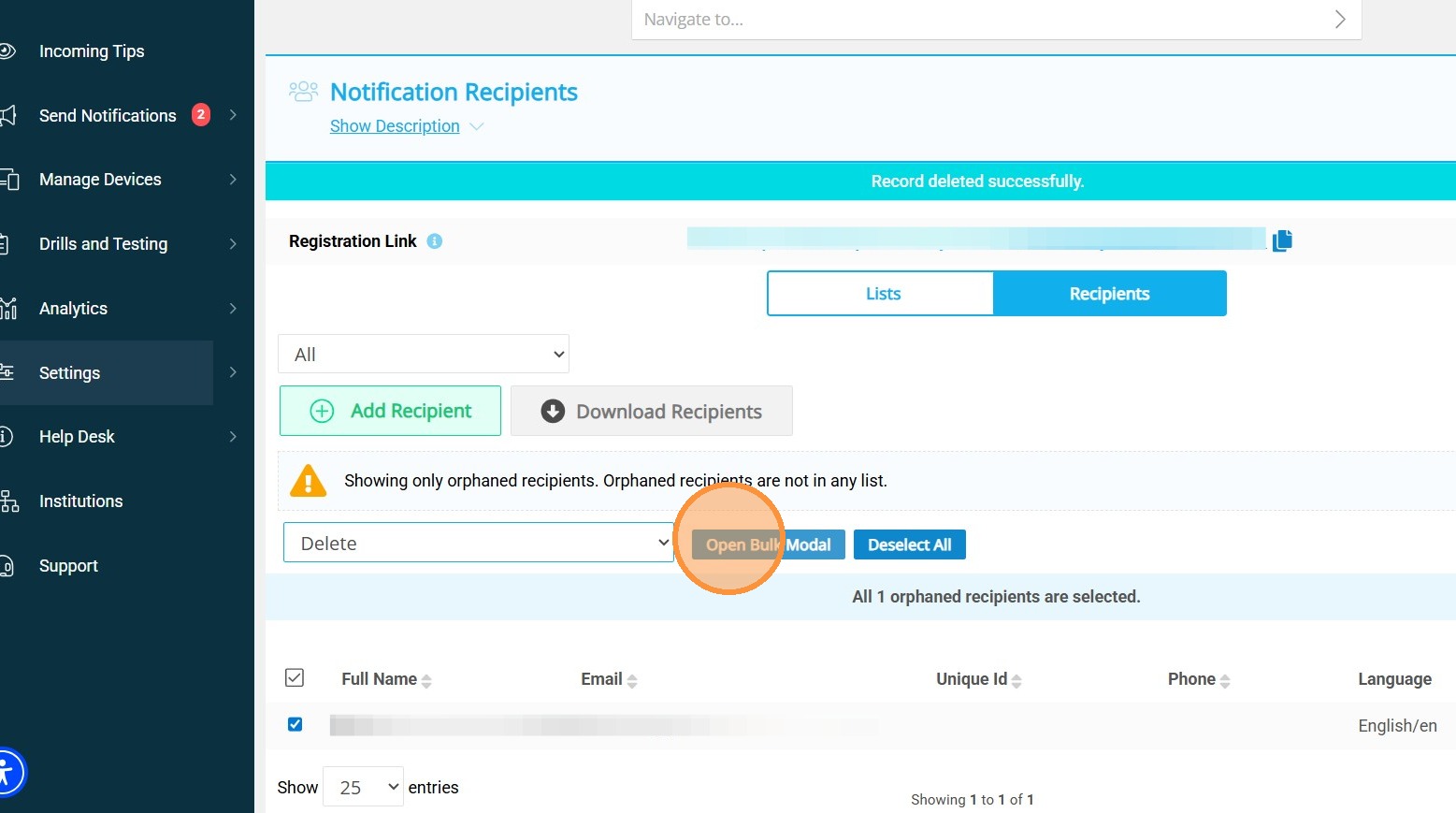
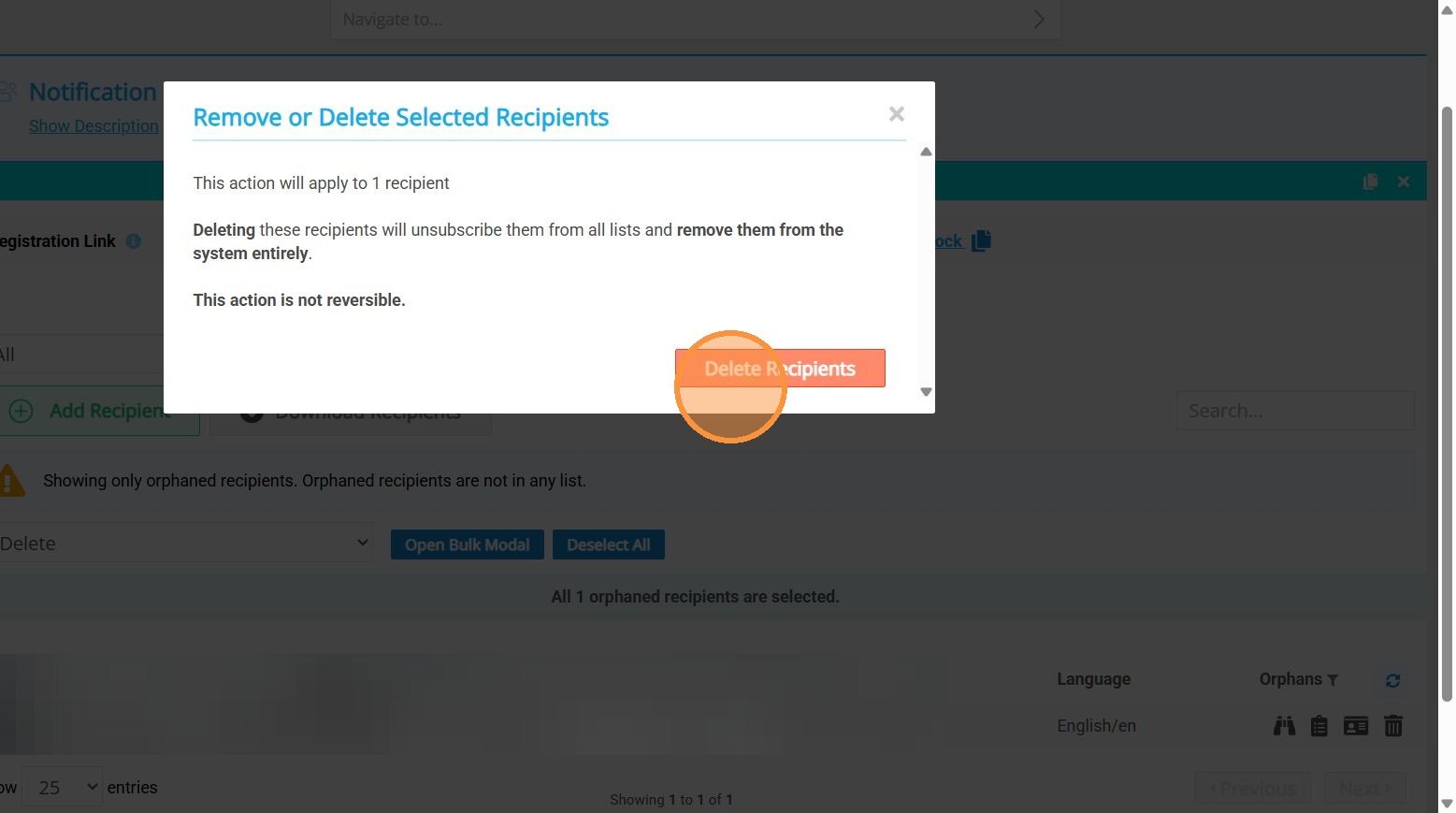
9. Use the check box to select recipients for bulk delete, select Delete in the Bulk Actions dropdown, open Bulk modal to delete orphaned recipients